
1. INSTANTLY DOWNLOAD YOUR FILESOnce your order is complete, click the link(s) to download your files. You will also receive an email with the links.

2. SAVE THE FILES TO YOUR COMPUTER OR FLASH DRIVESave these files somewhere safe because your download link will expire after 3 months.

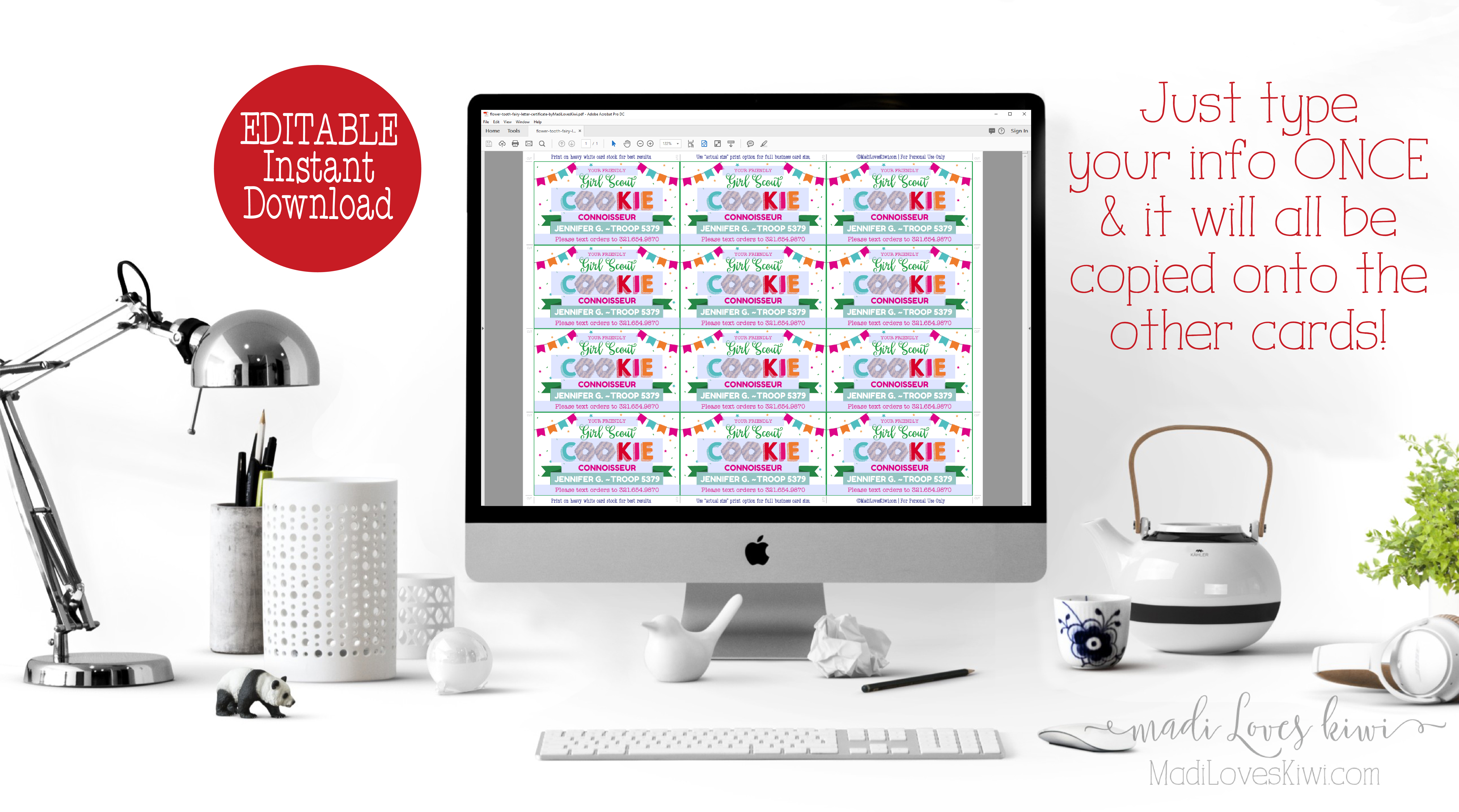
3. TYPE IN YOUR INFORMATIONWith Adobe Reader, you can edit the text with your Mac/PC computer. Please refer to the included instructions for more details.

4. PRINT AT HOME OR COPY SHOP/PHOTO CENTERYou can print smaller files at home or it’s also easy to use a copy shop (e.g. Staples, Kinkos) or photo center (e.g. Walgreens, CVS) by uploading to their website or bringing the files in person on a flash drive.
5. TRIM YOUR PRINTOUTIn some cases, you will need to trim or cut out your design with scissors, paper trimmer, or craft knife (whatever you have on hand).
2026 Printable LBB Girl Scout Cookie Door Hanger with QR Code | Editable Price List PDF
$8.00
***LBB Cookies***
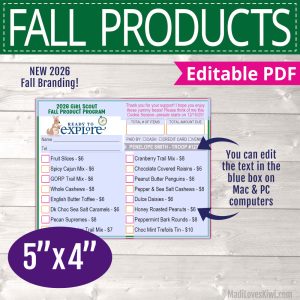
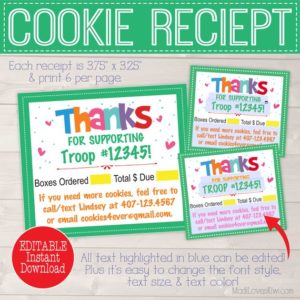
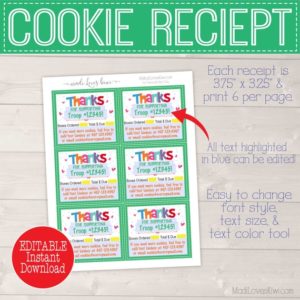
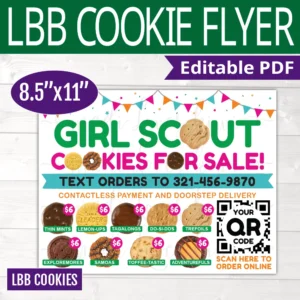
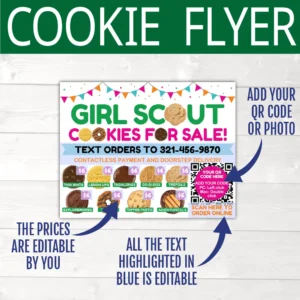
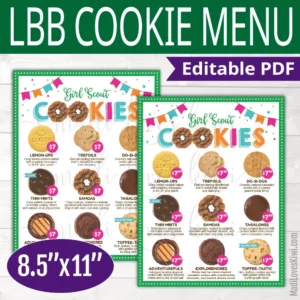
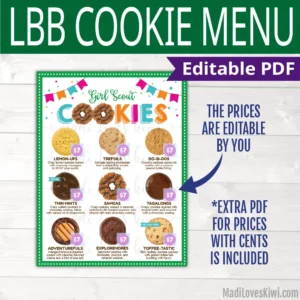
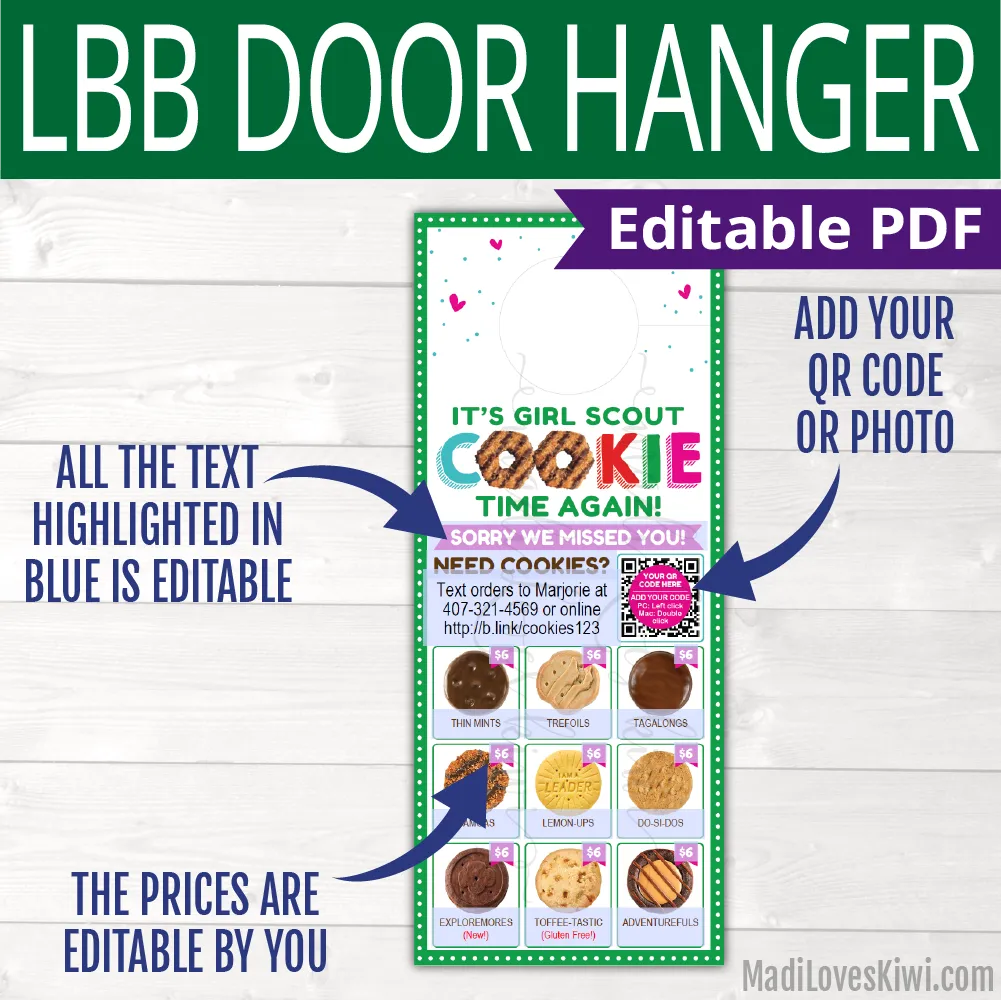
These Scout cookie menu door hangers feature the 2025 LBB cookie lineup! Leave them for your neighbors, friends, and everywhere you go so that cookie lovers can easily order cookies from you at their convenience! It’s easy to edit your contact info, cookie prices, and QR code (optional). Plus you get three door tags per standard 8.5″x11″ sheet of paper, so you can print it right at home or upload it to any copy shop for UNLIMITED personal printing!
This listing is for your family’s use only (all the Scouts in your immediate family can use this) and I also offer an extended license for your whole troop to get access, just send me a message if you’re interested in that option!
***Important Note: These are Little Brownie Baker (LBB) cookies, so if your troop does not offer Lemon-ups, then do not buy this listing. Look for the ABC Cookie version of this listing that is also available in my shop. Thanks!
。・゚゚・DIGITAL FILE・゚゚・。☆。・゚゚・DIGITAL FILE・゚゚・。☆。・゚゚・DIGITAL FILE・゚゚・。
FILES INCLUDED
- An 8.5″x11″ PDF with LBB cookie door hangers with QR code (3 per page)
- Step-by-step Instructions for editing and printing your PDF files (or watch my video tutorials at https://rb.gy/jh2n9i)
These are *DIGITAL* files, so no physical item will be mailed.
IMPORTANT NOTES
- The files can only be edited using Adobe Reader on a Mac or PC computer.
- You CAN change the font size and color for editable text fields.
- You CANNOT change text location or add extra lines of text.
- You CANNOT edit the printable files on a mobile device, tablet, or Chromebook. You must use a Mac or PC computer.
- No font download is necessary. The fonts are embedded in the printable files.
- Some PDFs require conversion to JPG before printing. It is a simple and free process, just follow the instructions provided.
HOW IT WORKS
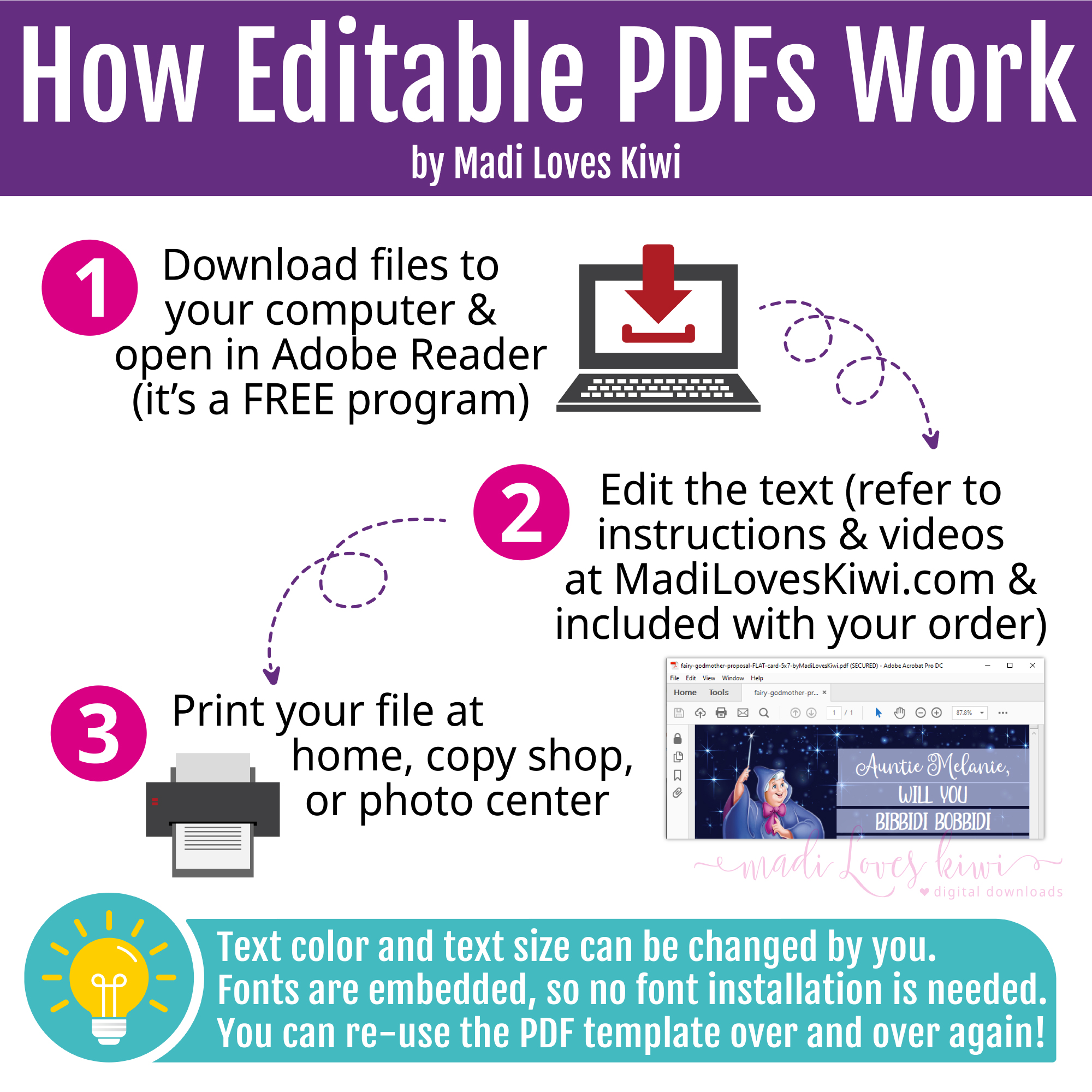
- Purchase the listing and download your file to your Mac or PC computer.
- Open the editable PDF from your computer in the latest version of Adobe Acrobat Reader (it’s free!).
- Edit the highlighted fields yourself and save your text. (You can even change the font, text size, and text color!)
- Print your file (detailed instructions are included with your order) and enjoy!
*** Note: this is a DIGITAL item, so no physical item will be mailed ***
COPYRIGHT INFO
© Madi Loves Kiwi. This artwork has been professionally designed by Madi Loves Kiwi and is for your personal use and enjoyment only. Please do not distribute or alter the artwork in any way.
1. INSTANTLY DOWNLOAD YOUR FILESOnce your order is complete, click the link(s) to download your files. You will also receive an email with the links.
2. SAVE THE FILES TO YOUR COMPUTER OR FLASH DRIVEThese high resolution JPG files are ready to be printed, so save them somewhere safe because your download link will expire after 3 months.
3. TYPE IN YOUR INFORMATIONWith Adobe Reader, you can edit the text and change the text colors/size as needed. Please refer to the included instructions for more details.
4. PRINT AT HOME OR COPY SHOP/PHOTO CENTERYou can print smaller files at home or it’s also easy to use a copy shop (e.g. Staples, Kinkos) or photo center (e.g. Walgreens, CVS) by uploading to their website or bringing the files in person on a flash drive.
5. TRIM YOUR PRINTOUTIn some cases, you will need to trim or cut out your design with scissors, paper trimmer, or craft knife (whatever you have on hand).
HOW IT WORKS

1. INSTANTLY DOWNLOAD YOUR FILES
Once your order is complete, click the link(s) to download your files. You will also receive an email with the links.

2. SAVE THE FILES TO YOUR COMPUTER OR FLASH DRIVE
These high resolution JPG files are ready to be printed, so save them somewhere safe because your download link will expire after 3 months.

3. TYPE IN YOUR INFORMATION
With Adobe Reader, you can edit the text and change the text colors/size as needed. Please refer to the included instructions for more details.

4. PRINT AT HOME OR COPY SHOP/PHOTO CENTER
You can print smaller files at home or it's also easy to use a copy shop (e.g. Staples, Kinkos) or photo center (e.g. Walgreens, CVS) by uploading to their website or bringing the files in person on a flash drive.

5. TRIM YOUR PRINTOUT
In some cases, you will need to trim or cut out your design with scissors, paper trimmer, or craft knife (whatever you have on hand).
Related products
-
Editable Girl Scout Newsletter PDF Template | Printable Monthly Troop News & Events Instant Download
$6.00Original price was: $6.00.$5.00Current price is: $5.00. -
Editable Girl Scout Kaper Chart with Name Label | Printable GS Troop Leader Meeting Board Weekly Task Tracker
$6.00Original price was: $6.00.$5.00Current price is: $5.00.